
What we shipped recently
ProBooks gets better every week. Here are the newest features.
 · Platform
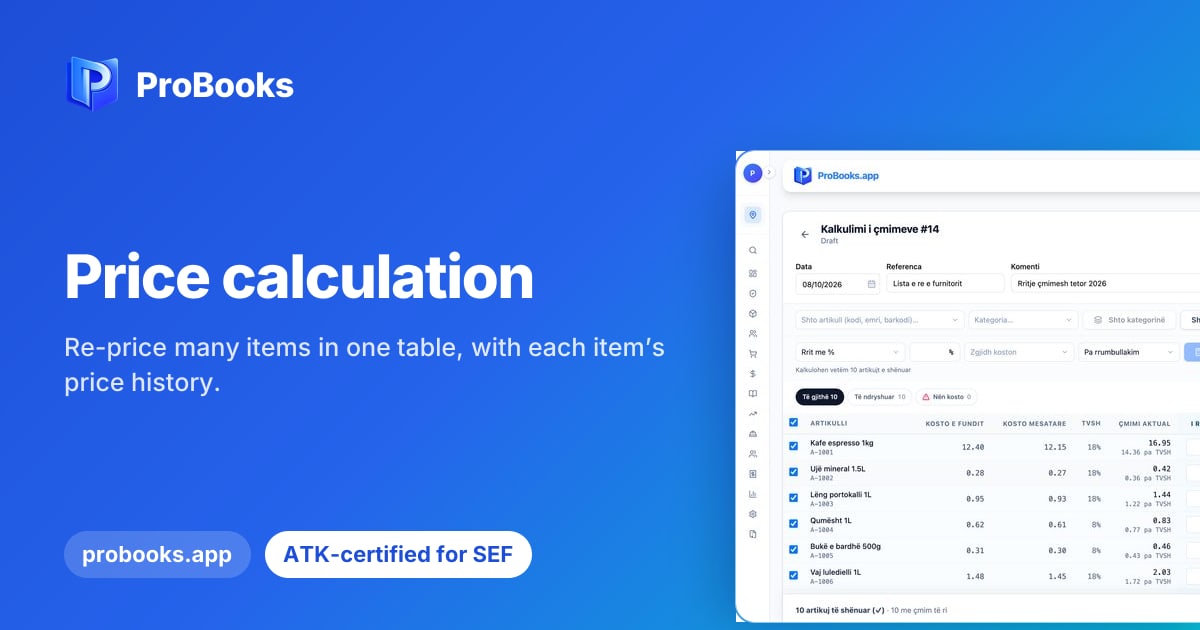
Price calculation
Re-price many items in one table, with each item’s price history.
Read the post →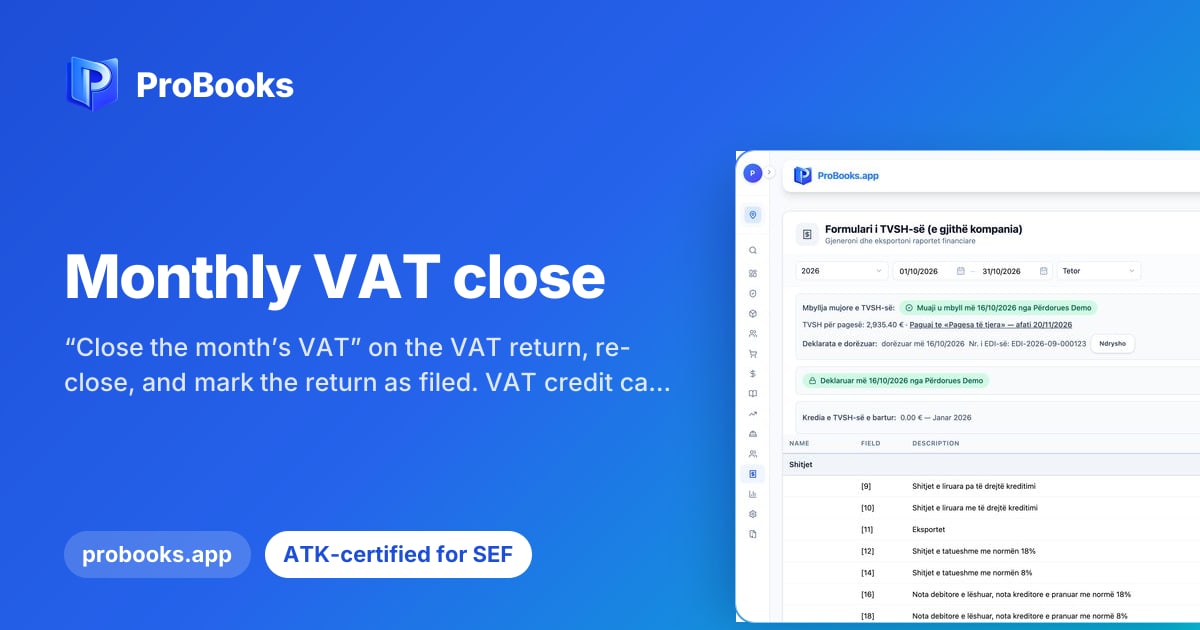 · Platform
Monthly VAT close
“Close the month’s VAT” on the VAT return, re-close, and mark the return as filed. VAT credit carries forward automatically.
Read the post →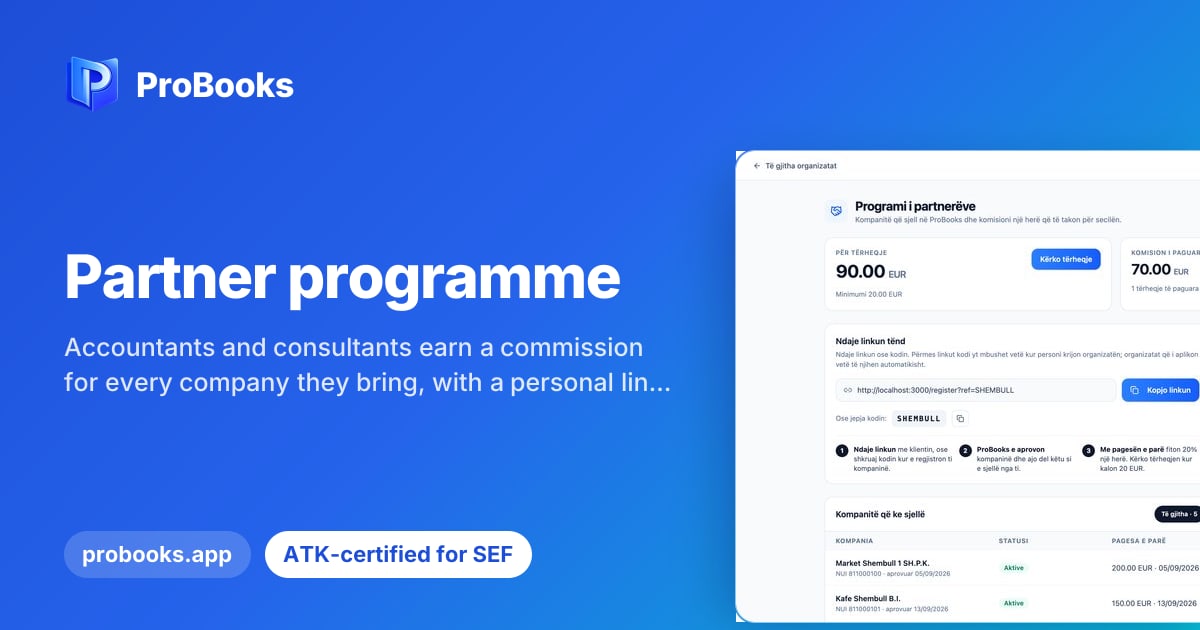
Partner programme
Accountants and consultants earn a commission for every company they bring, with a personal link and payout requests to their IBAN.
Read the post →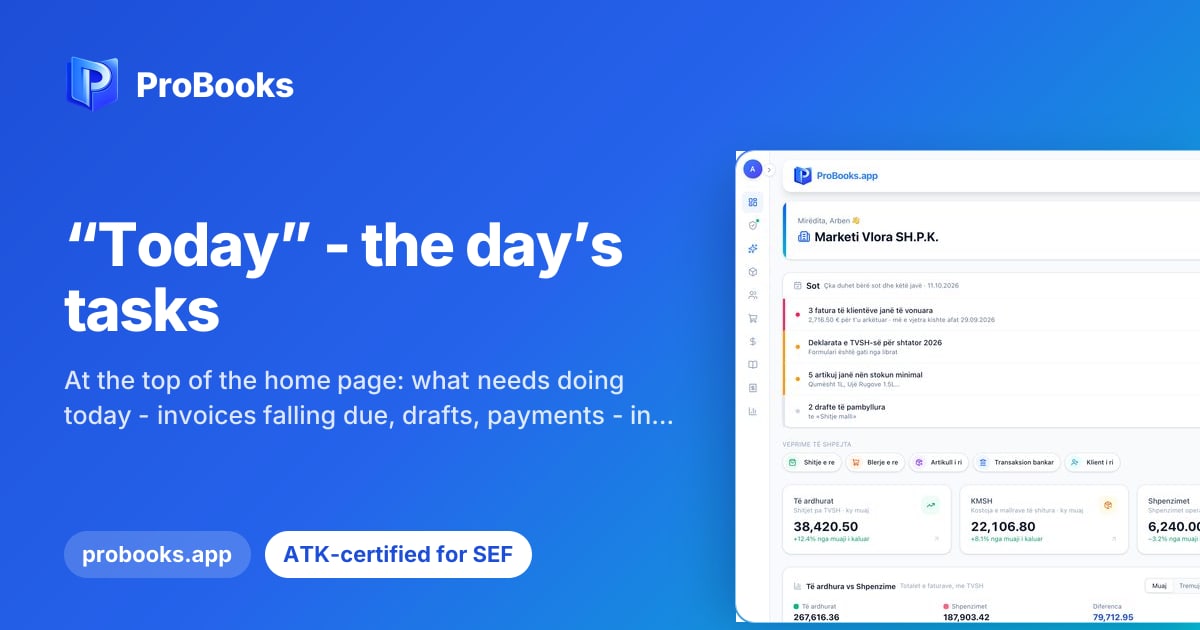 · Platform
“Today” - the day’s tasks
At the top of the home page: what needs doing today - invoices falling due, drafts, payments - in one card.
Read the post → · Platform
Live notifications for the team
A notification bell and “The accountant is editing this invoice” - see who is working on which document, in real time.
Read the post → · Platform
Migration Centre
Move from your old software step by step: chart of accounts with account mapping, items, clients and opening stock reconciled with the books.
Read the post → · Platform
New reports
Profit margin per item, detailed sales and purchases, stock shortages and financial statements per business unit.
Read the post → · Invoicing
Incoming e-invoices posted
An incoming e-invoice you accept is posted to the general ledger automatically, as a purchase.
Read the post → · SEF Mobile
SEF Mobile: automatic updates
The phone till announces updates and installs them without stopping sales. 10-digit numbering and an audit journal for the ATK inspector.
Read the post → · Platform
Book check
Every night ProBooks checks the books and explains each finding in plain language: what it means, how to fix it and who should.
Read the post → · AI
· AIThe AI assistant knows every module
It answers only with figures from your data - never invented - and opens the right page in one click.
Read the post → · Platform
Financial statements from the ledger
Trial balance, balance sheet and income statement read straight from the general ledger. Chart of accounts import from Excel.
Read the post → · MiniPOS
MiniPOS: tamper-proof journal
The till journal survives even a deleted database, a changed clock is detected, six payment types and tables for hospitality.
Read the post →
This is what ProBooks looks like on every device
The web dashboard, the scanning app and the fiscal tills on iPhone, Android, Mac and Windows. Pick a device and see how it works.
The ProBooks dashboard opens with the owner’s tasks for the day: overdue invoices, the VAT deadline, items below minimum stock and unfinished drafts - each with a button that takes you straight there. Below them are this month’s revenue, cost of goods, expenses and VAT, compared with last month.
Learn more: ProBooks Platform-
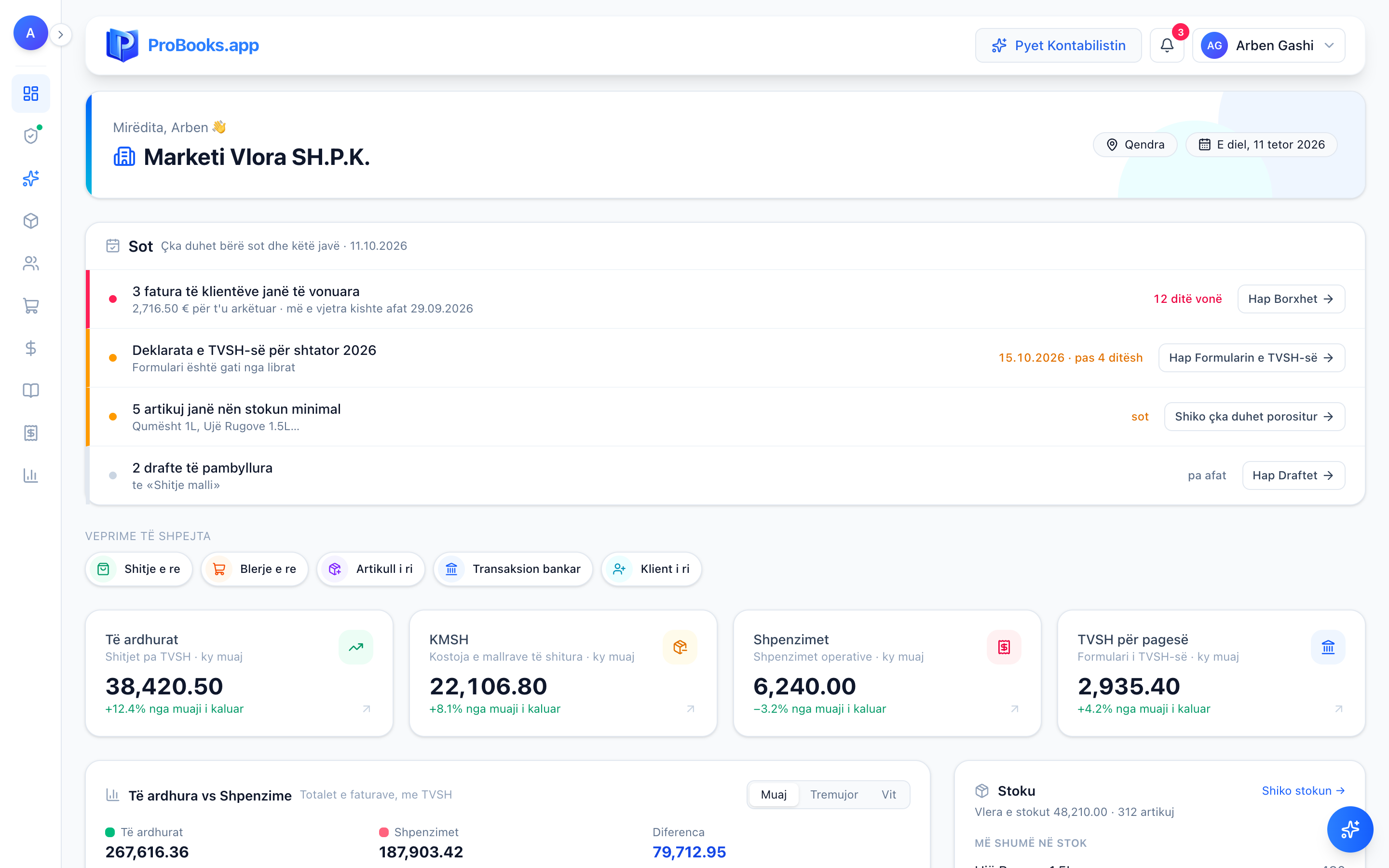
Dashboard: today’s tasks and this month’s figures -
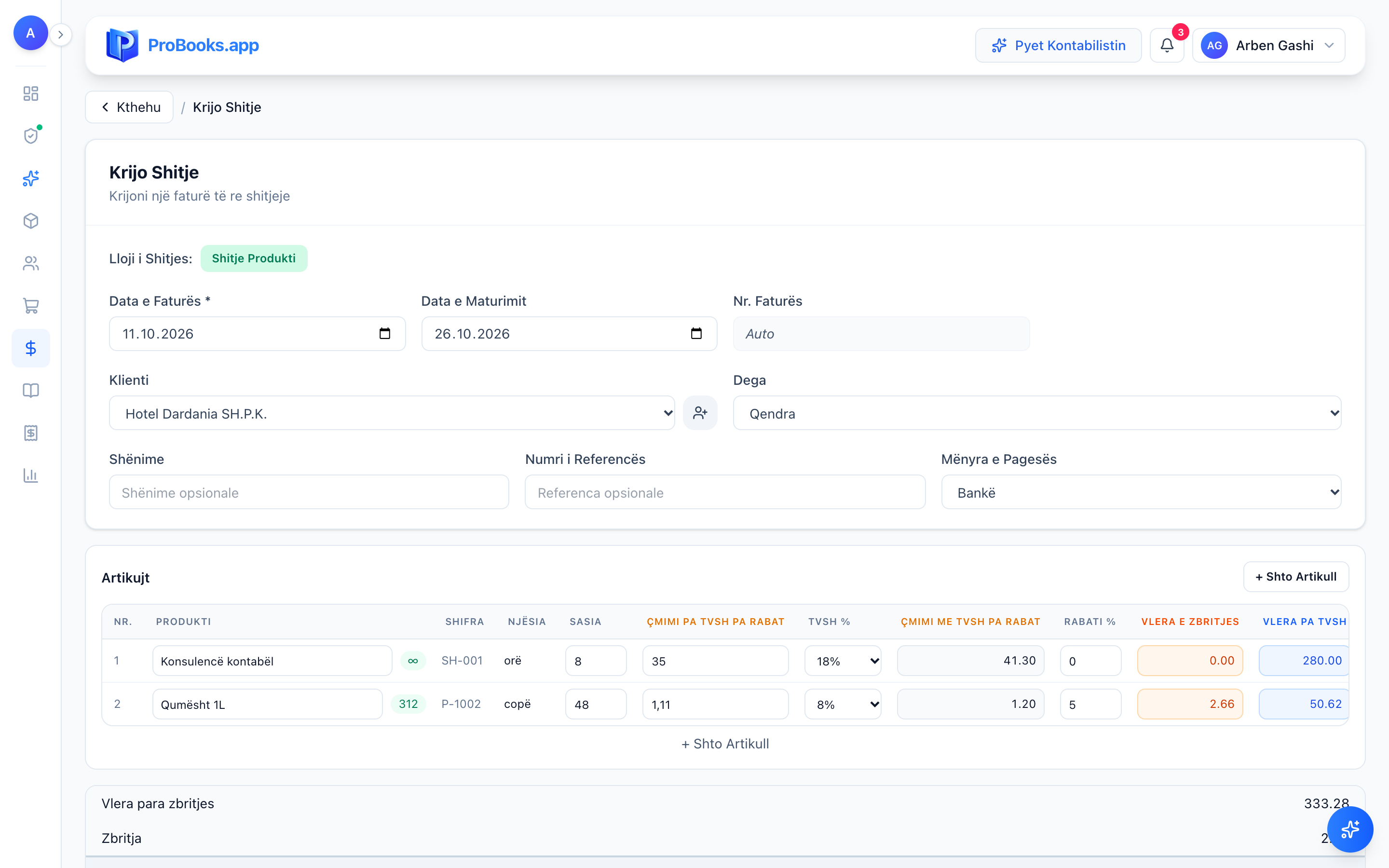
New invoice: discount and VAT worked out for you -
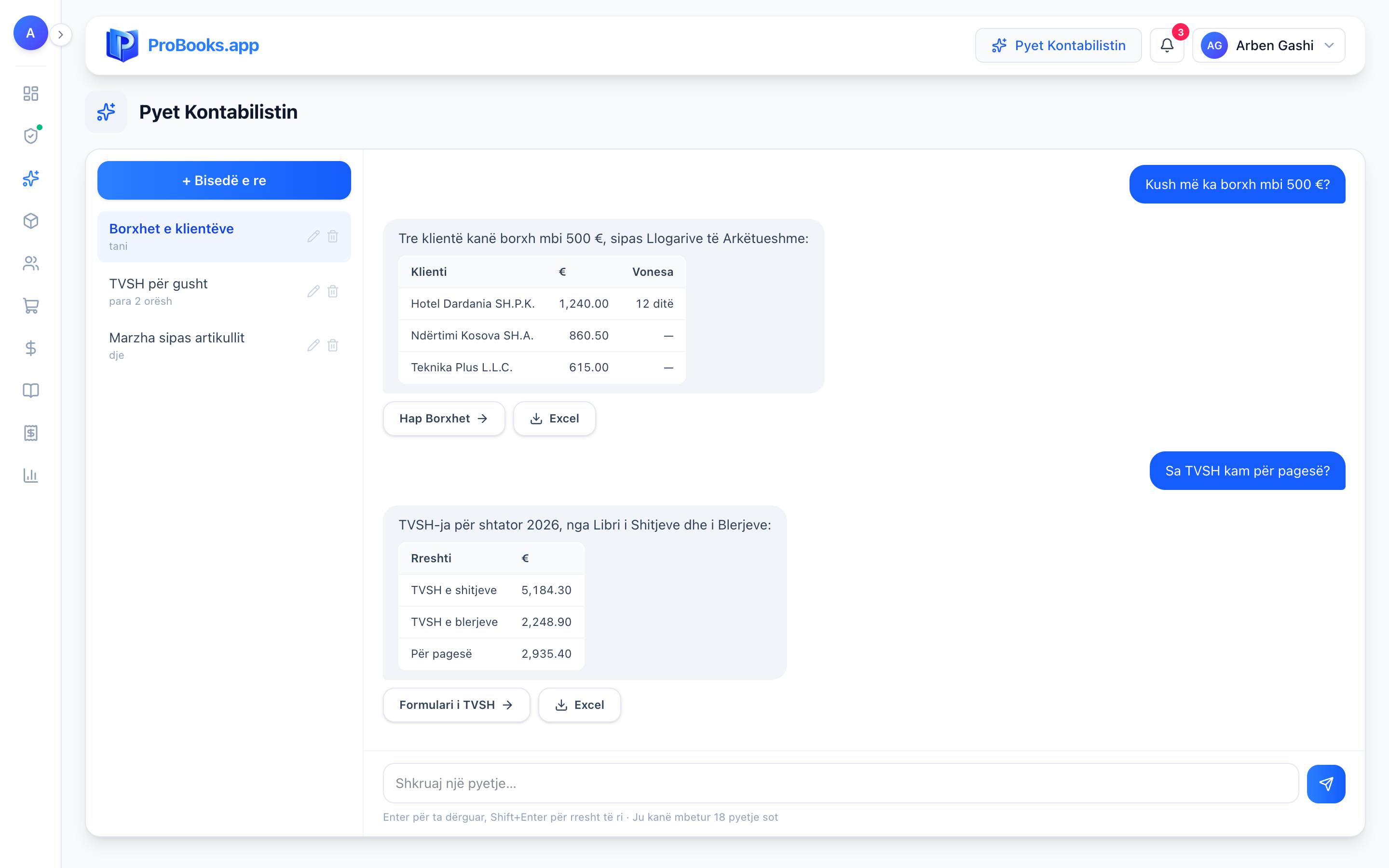
Ask the Accountant: answers with tables from your books


ProBooks Mobile is accounting in your pocket. Photograph a supplier bill, an expense or an investment and the AI extracts the supplier, items and VAT - you just confirm. In the same app you see your balance, income and expenses, create invoices and check items, for every company and branch.
Learn more: ProBooks Mobile-
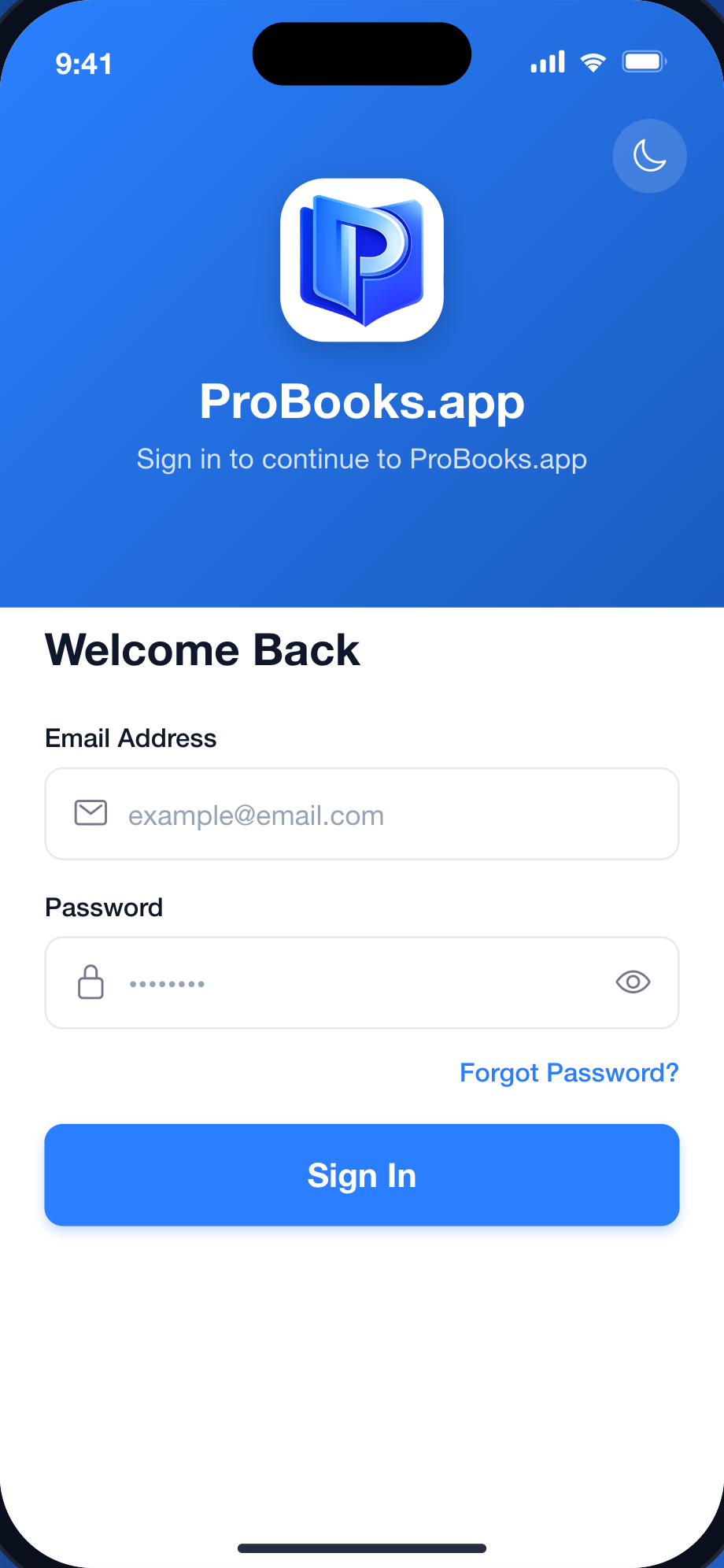
Secure sign-in to your ProBooks account -
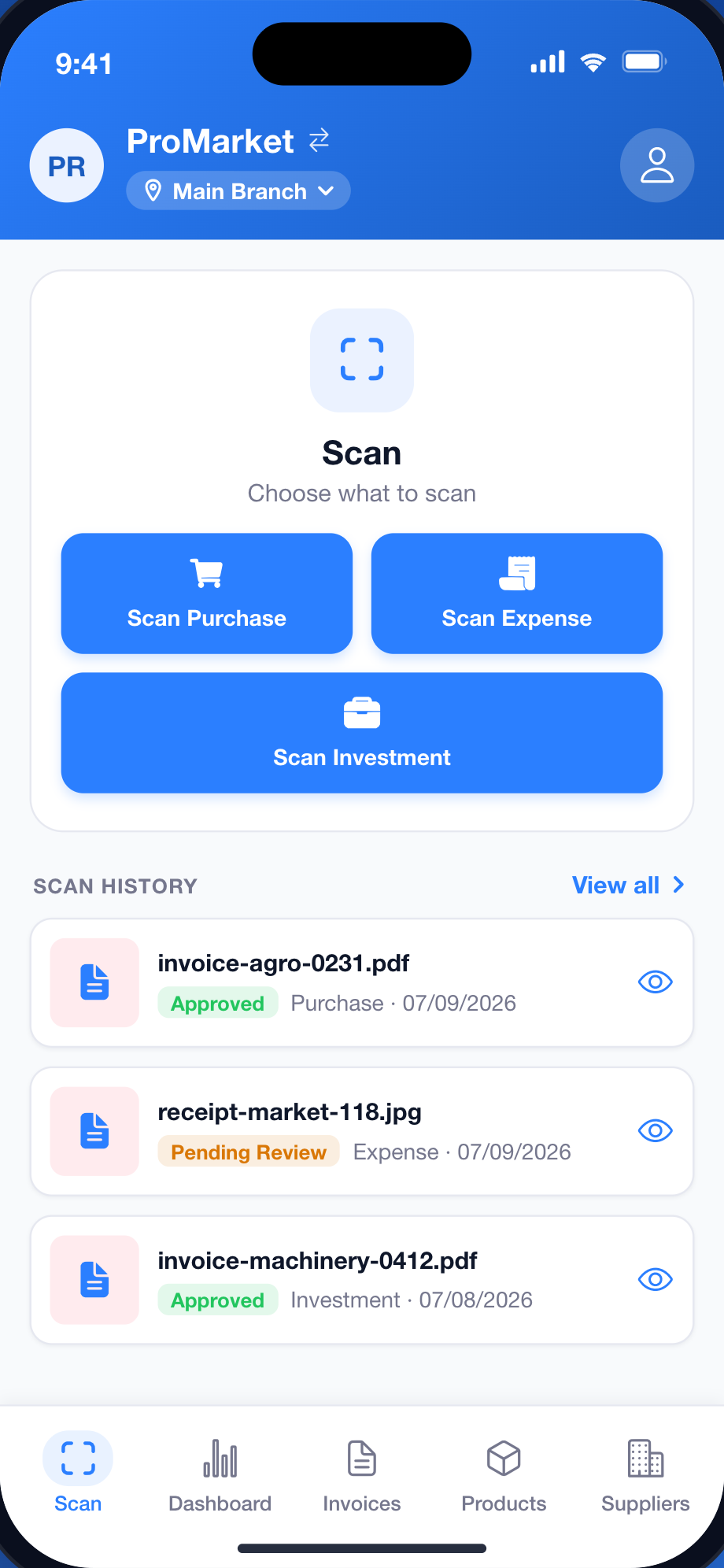
AI scanning: purchases, expenses, investments -
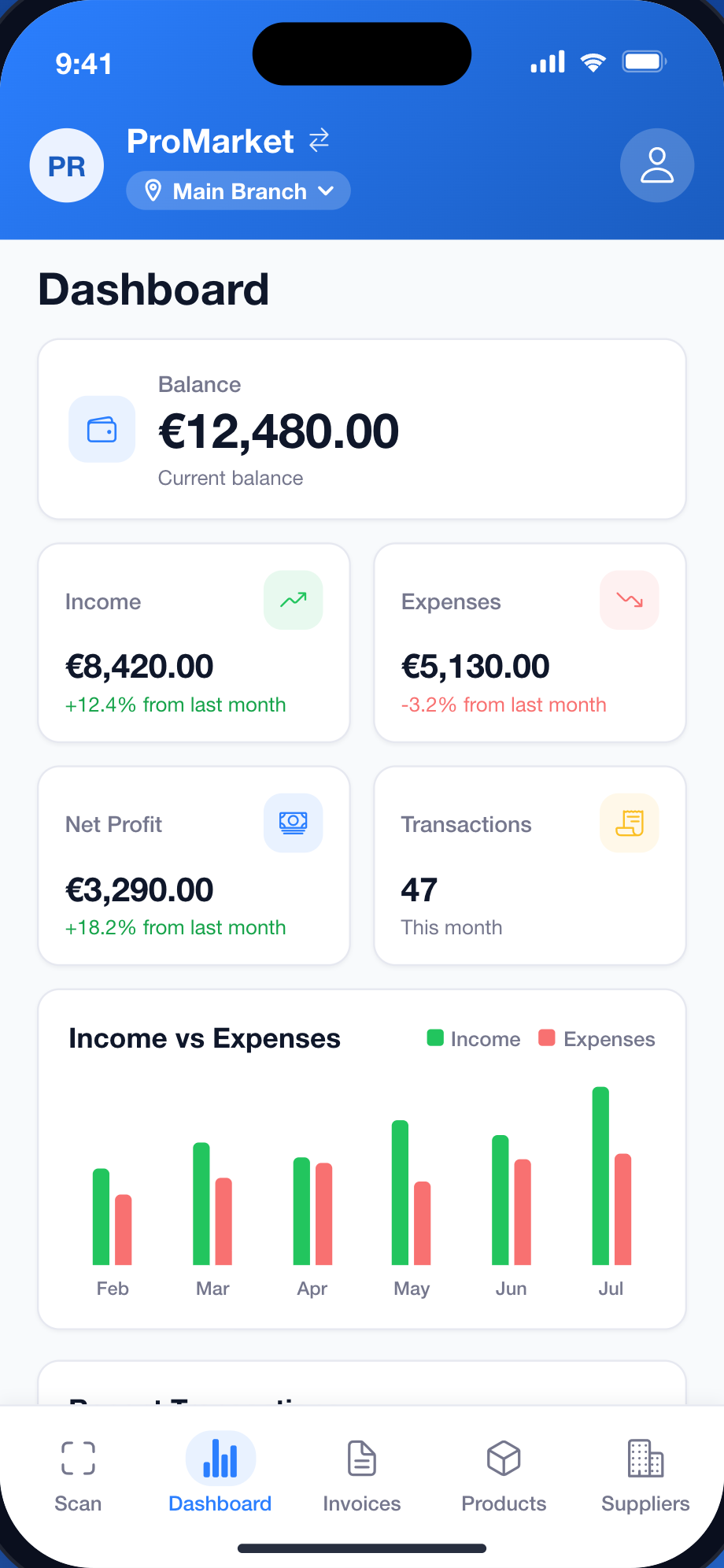
Balance, income and expenses live -
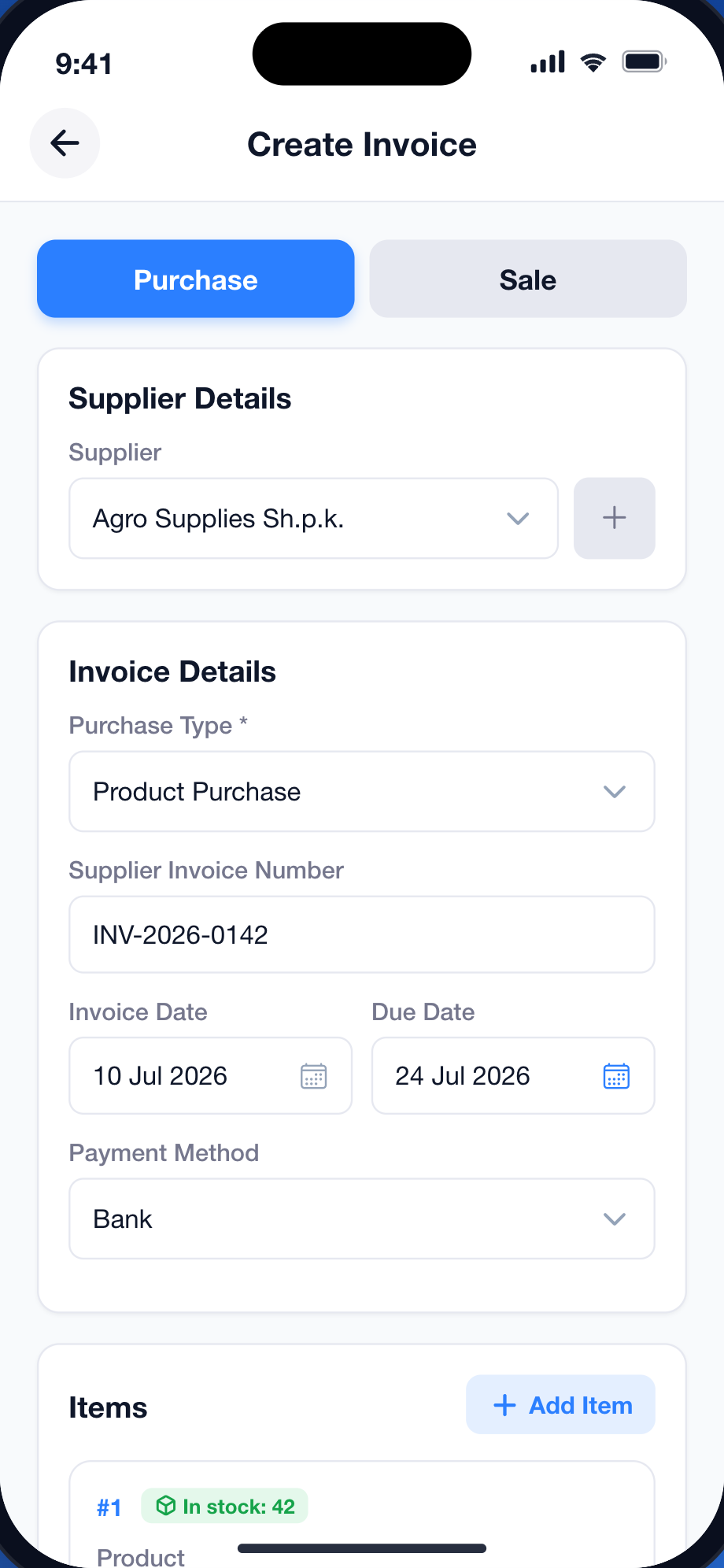
Purchase or sales invoice from the phone -
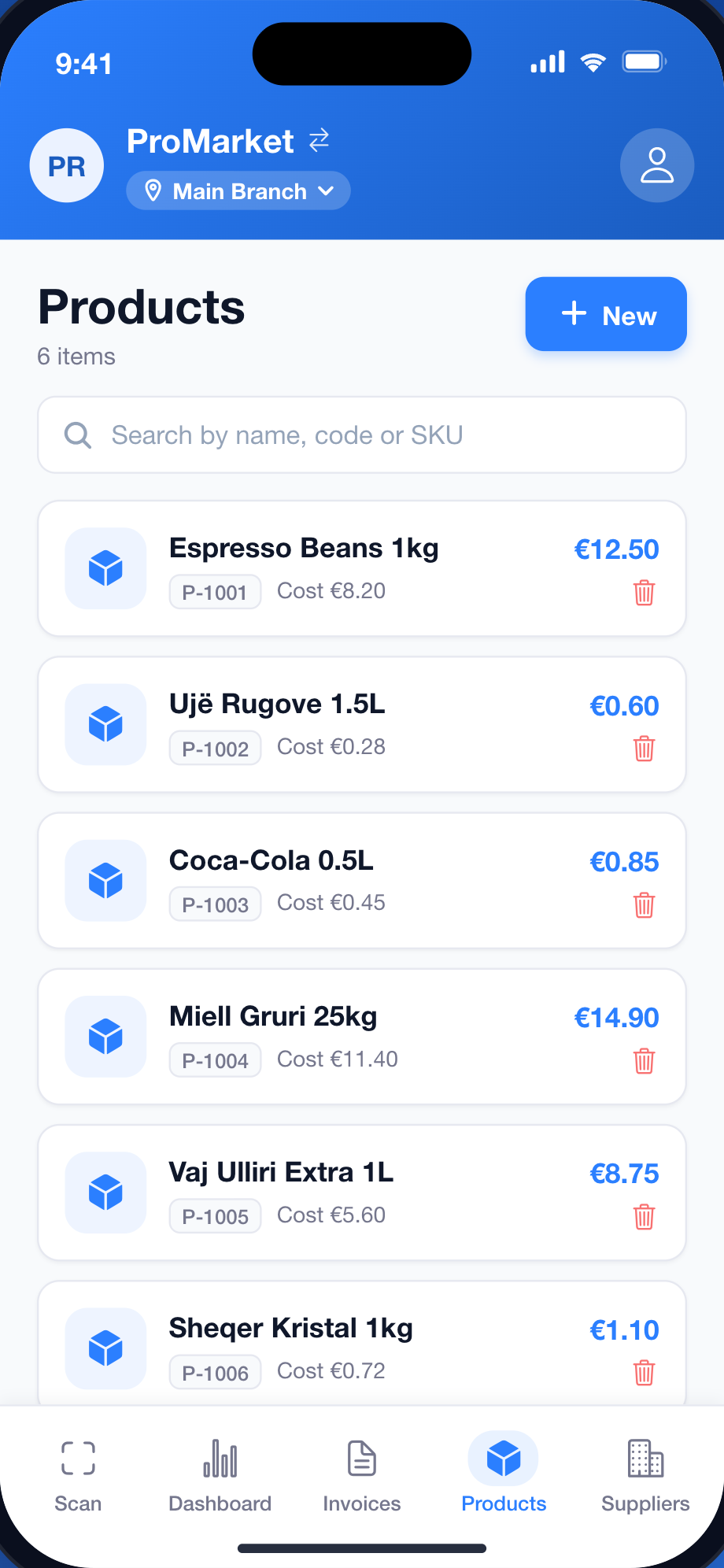
Items: prices, codes and stock


The fiscal till on iPhone: the cashier signs in with a PIN, taps items, takes cash, card or a split payment, and the QR receipt is issued at once - accepted by ATK, or stored offline when there is no internet. Refunds and cancellations are made from the receipt list, always linked to the original.
Learn more: ProBooks SEF Mobile-
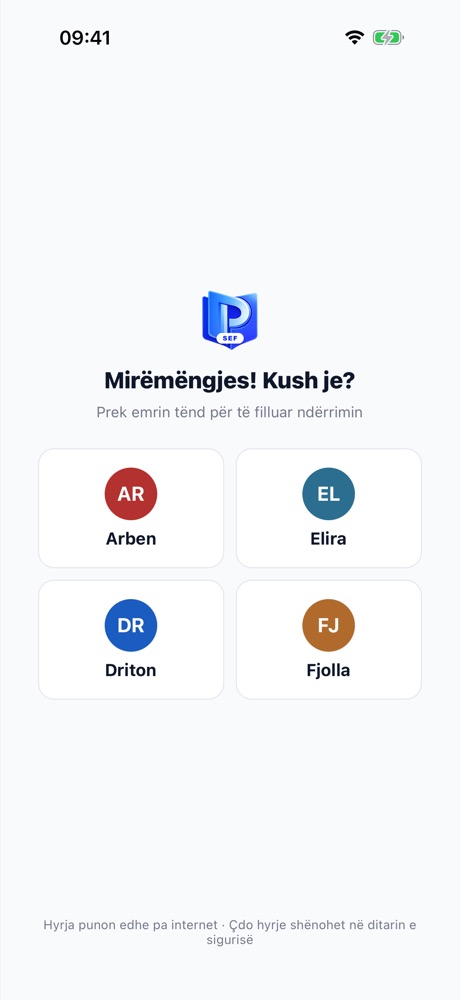
Choose the operator -
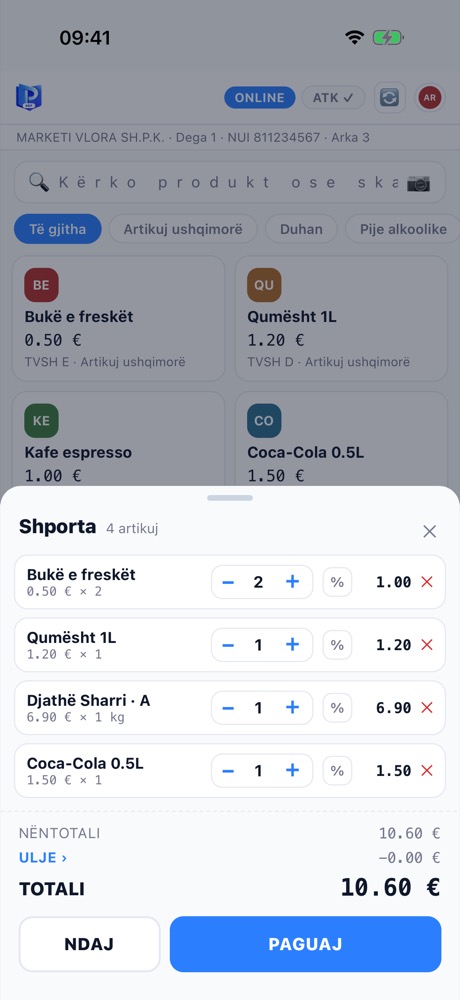
Cart with per-item discount -
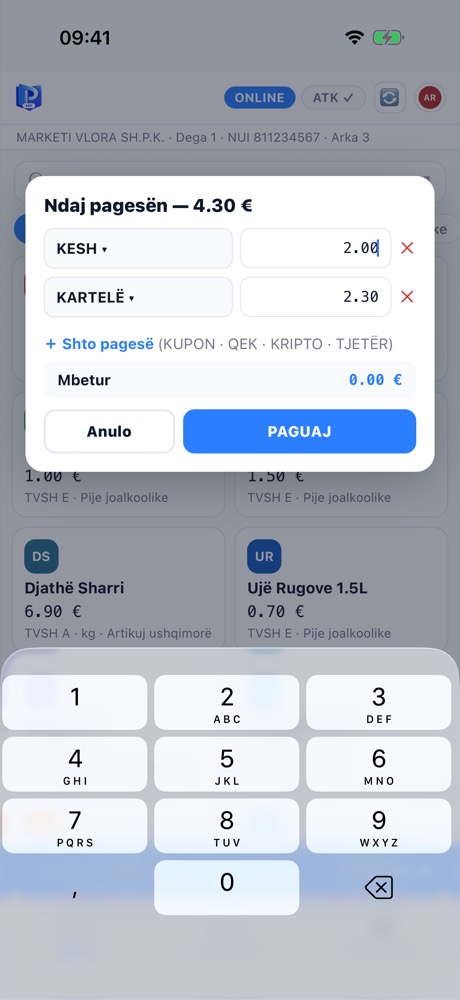
Split payment: cash + card -
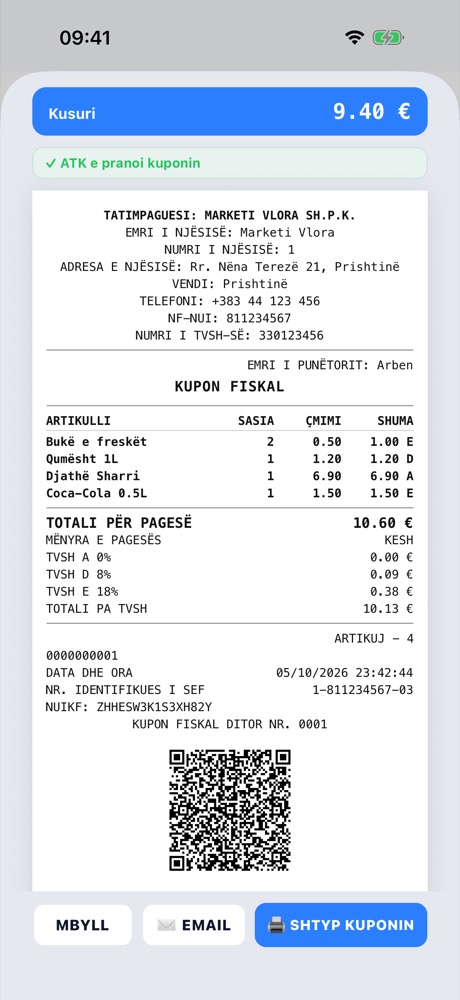
Fiscal receipt - accepted by ATK -
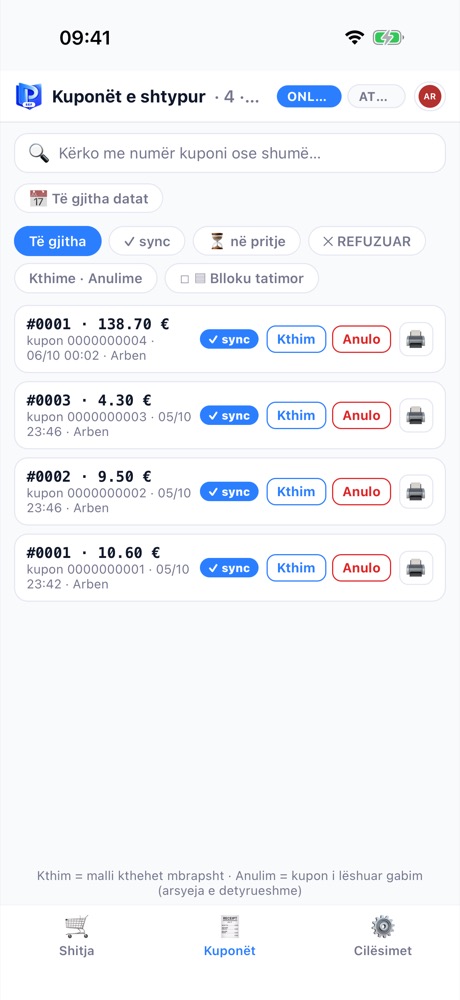
Receipts: synced, refunds, cancellations -
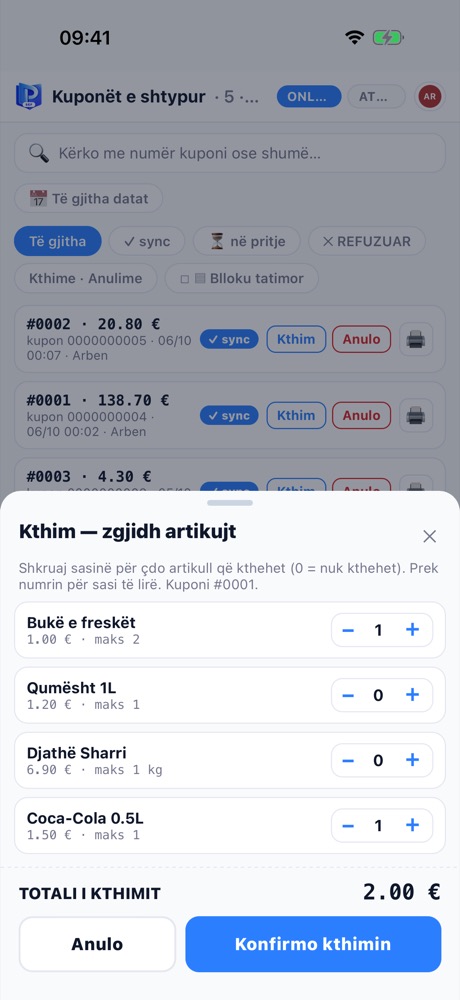
Refund: pick the items -
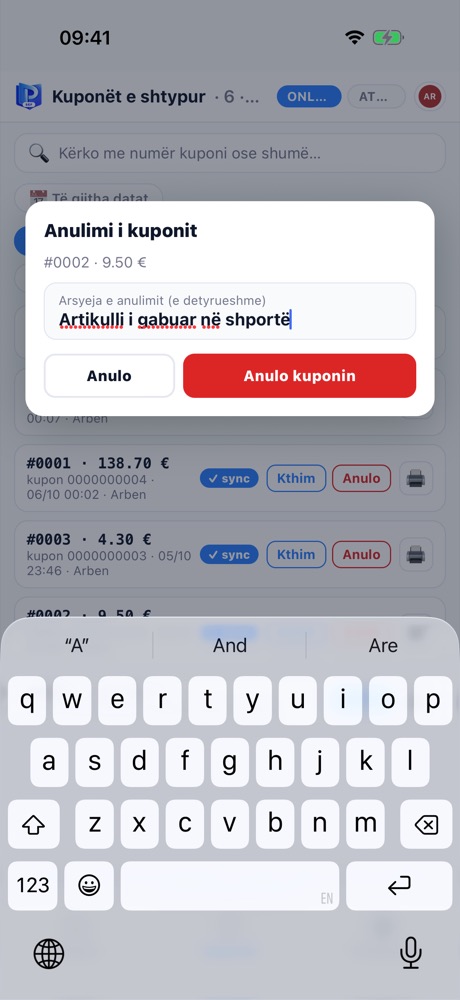
Cancellation with a mandatory reason -
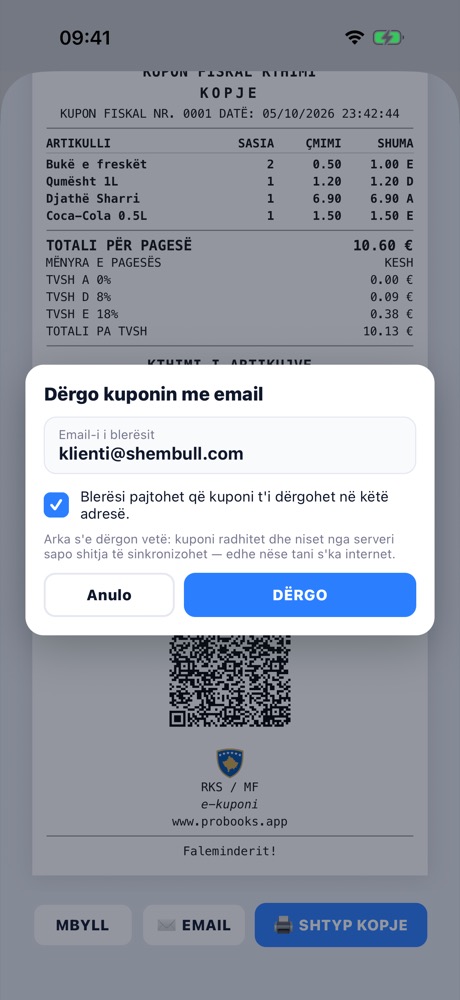
Receipt by email to the buyer -
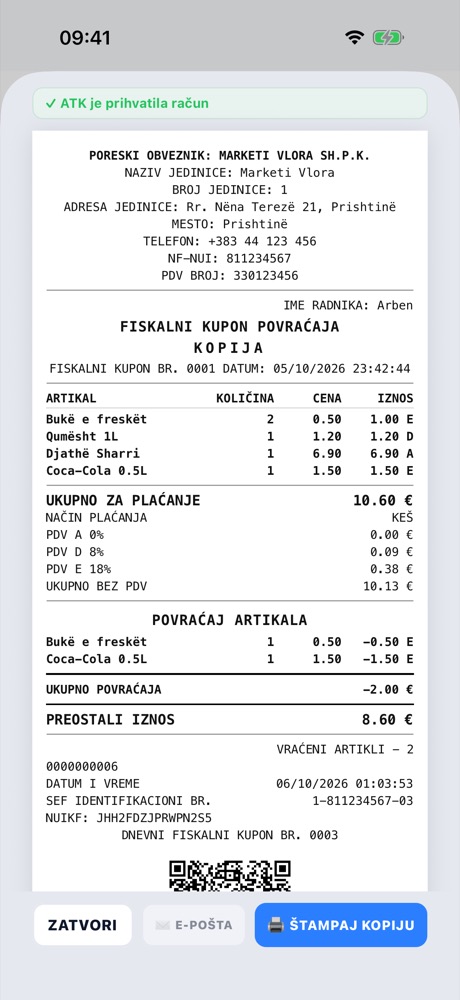
The till in Serbian


The same till on any Android phone or tablet - ideal for waiters, field sales and market stalls. Every cashier with their own PIN, the QR receipt even without internet, and sales that show up instantly in stock and in the owner’s reports.
Learn more: ProBooks SEF Mobile-
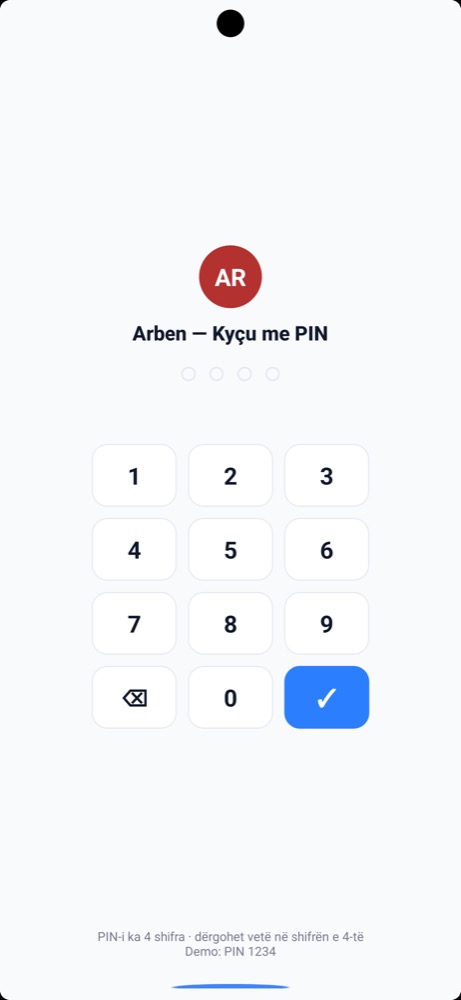
Sign in with PIN -
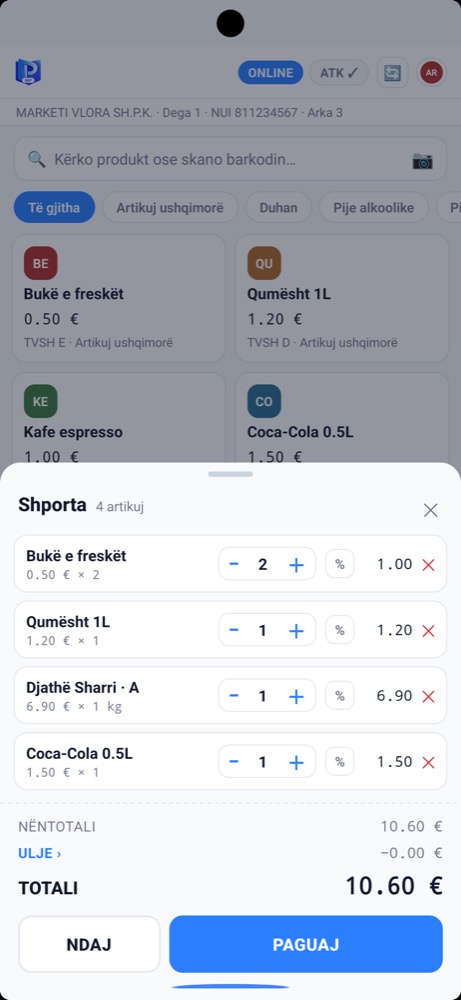
Cart -
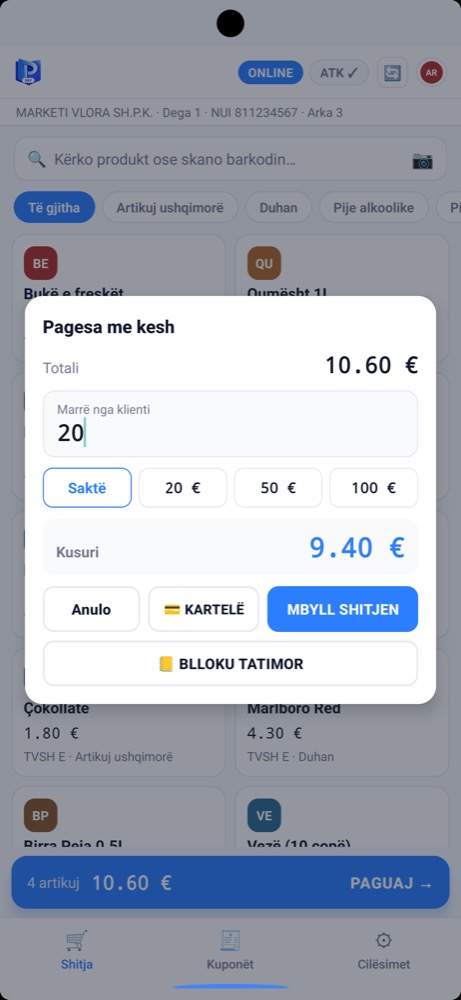
Cash payment and change -
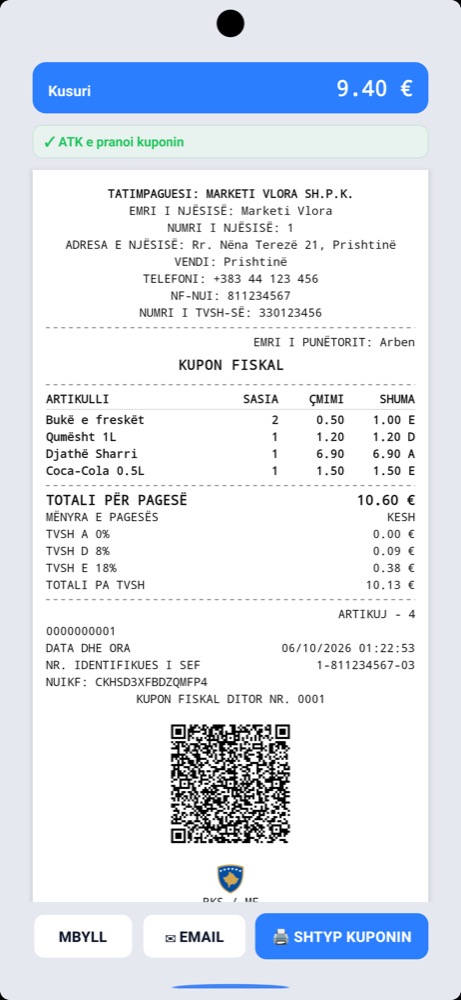
Fiscal receipt - accepted by ATK -
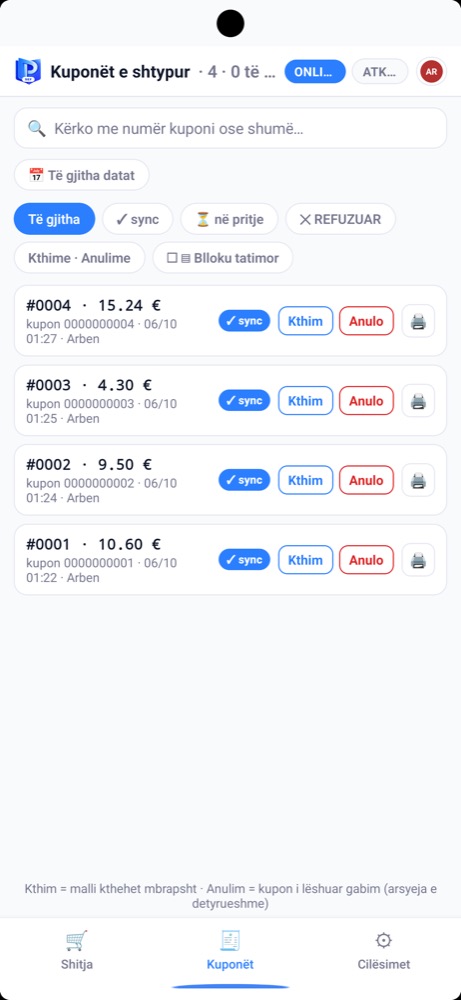
Receipt list -
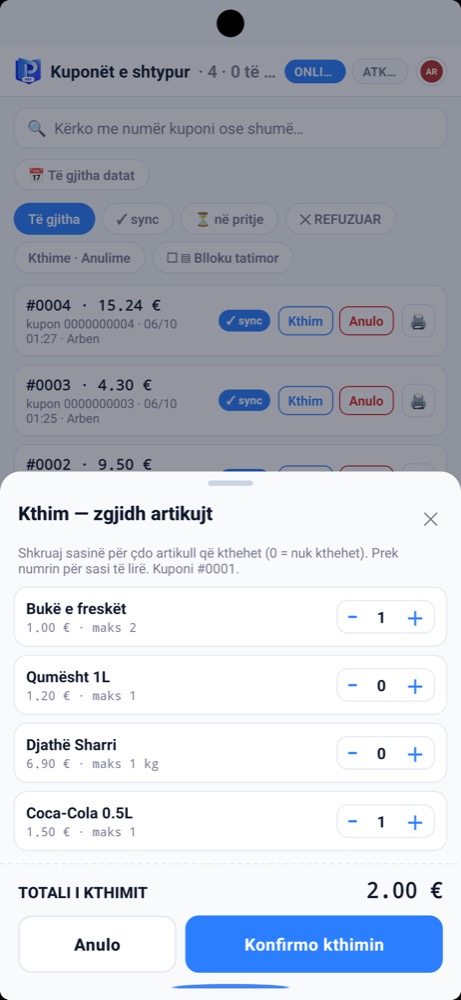
Item refund


On Mac and iPad the till uses the big screen: catalogue on the left, the cart always open on the right, and the receipt appears in the same panel after payment. A good fit for a shop counter, a salon or a reception desk.
Learn more: ProBooks SEF Mobile-
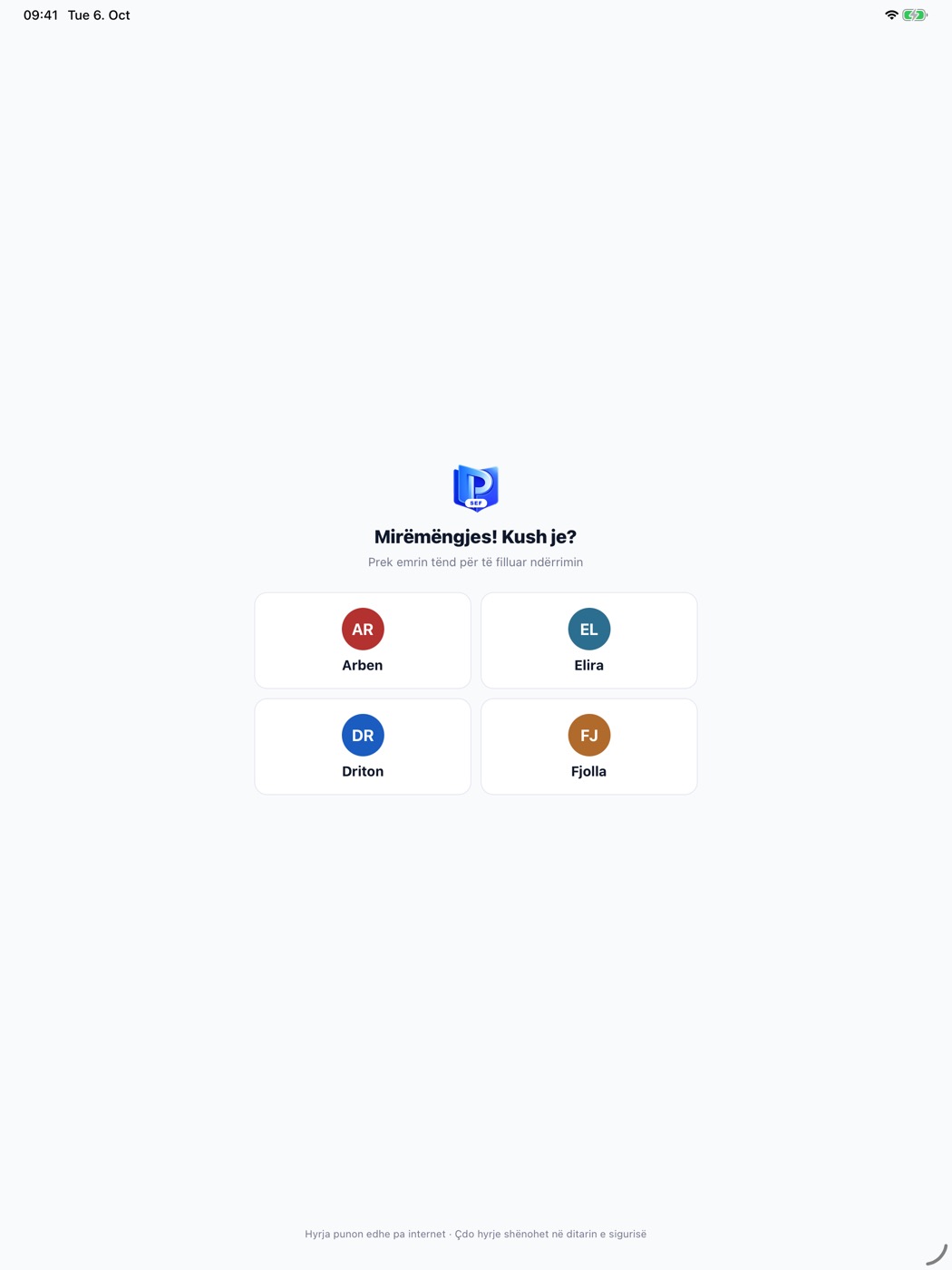
Team sign-in -
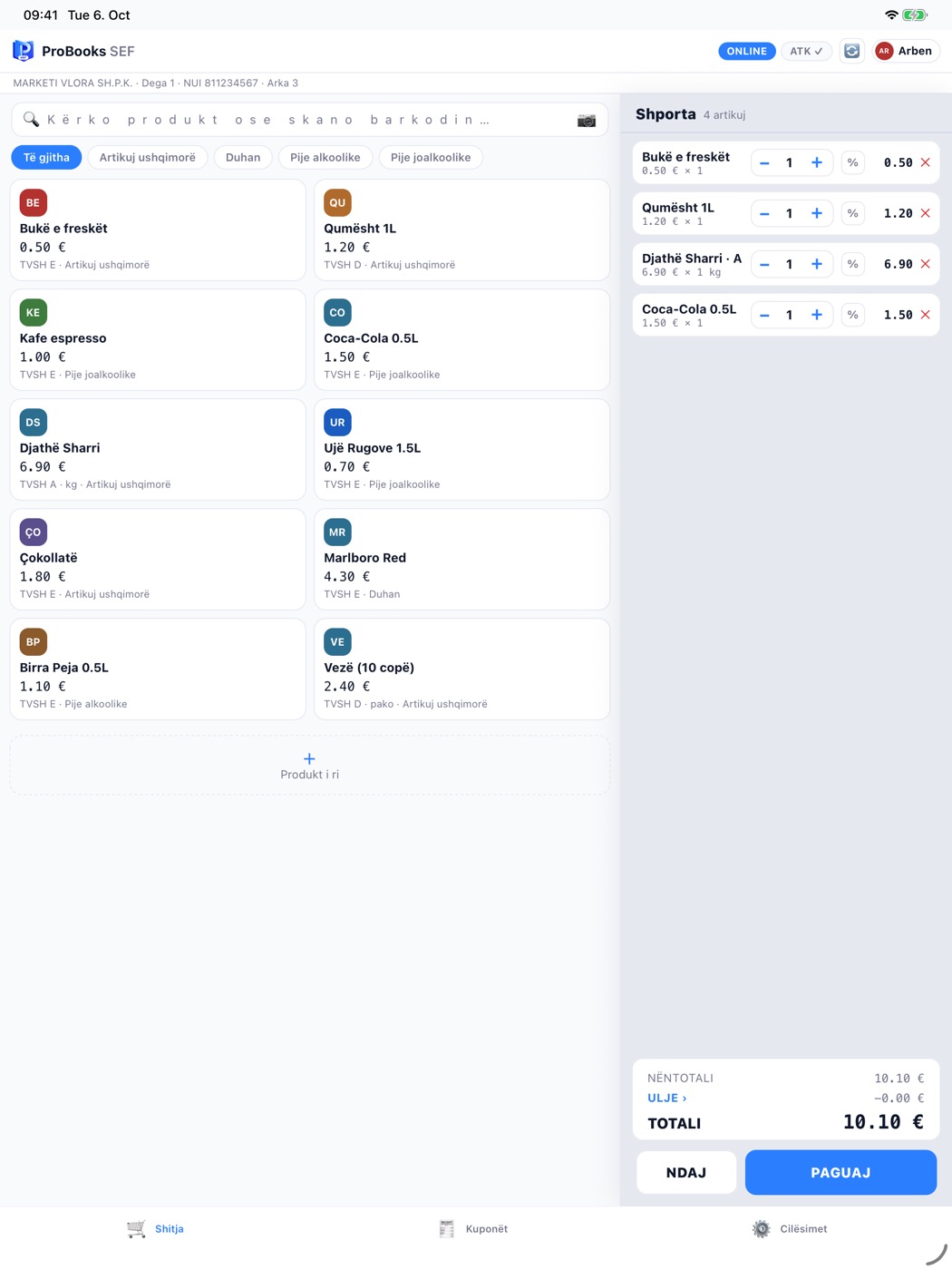
Catalogue and cart -
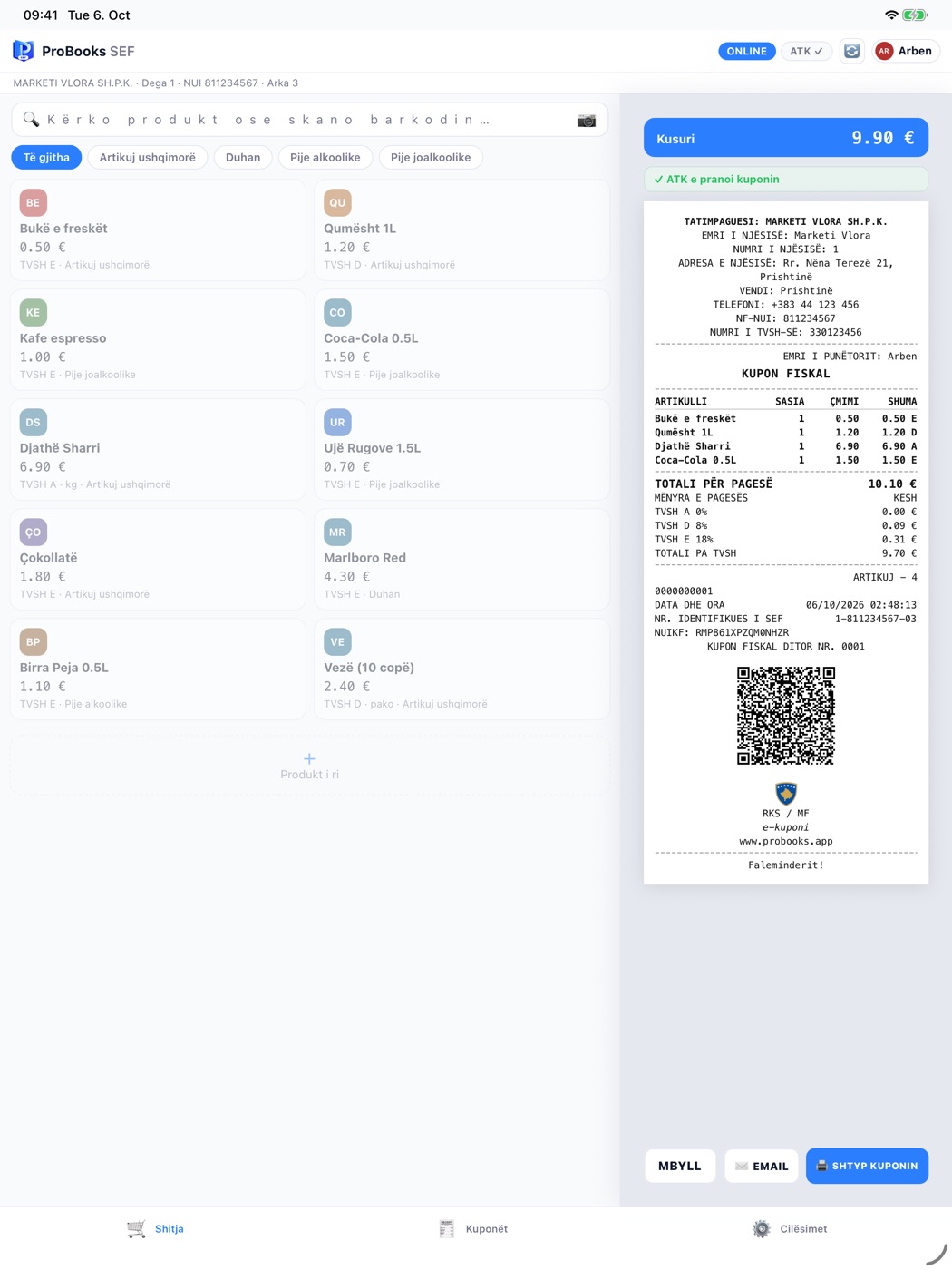
The receipt in the side panel -
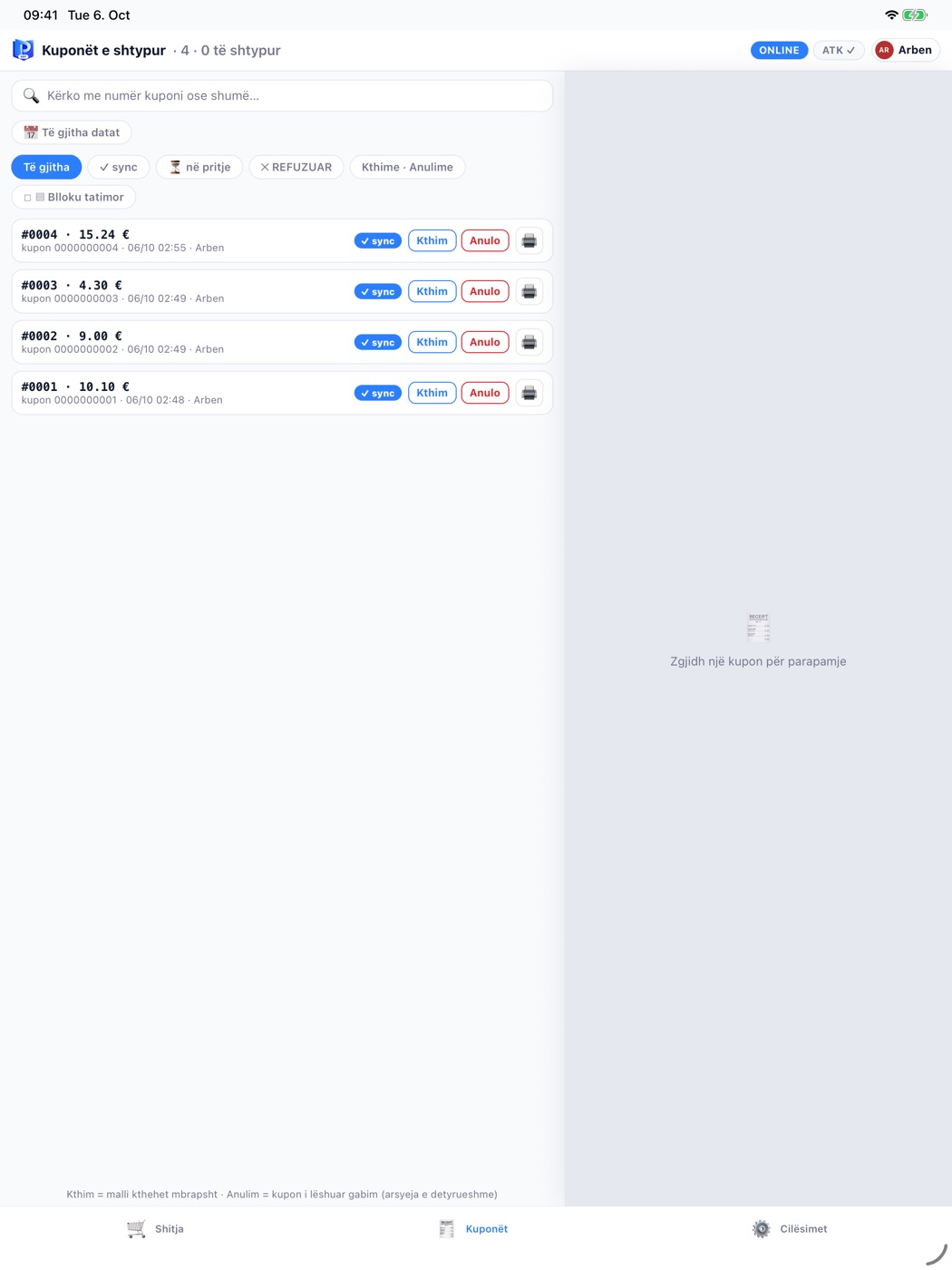
The day’s receipts -
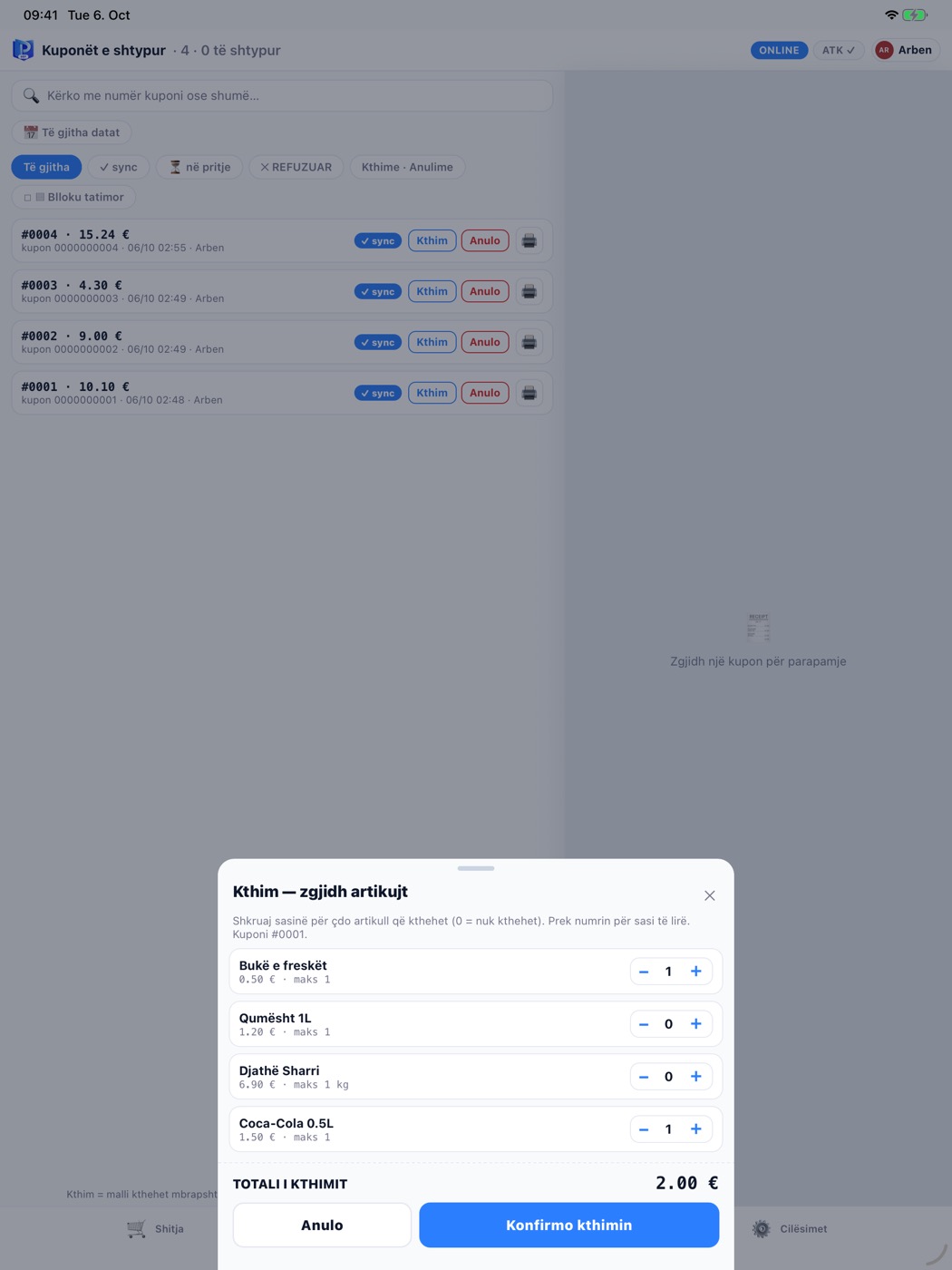
Refund


MiniPOS is the Windows till, built for long queues: a catalogue with categories, the cart on the right, per-item or total discounts and one big PAY button. It works with a barcode scanner and a thermal printer.
Learn more: ProBooks MiniPOS-
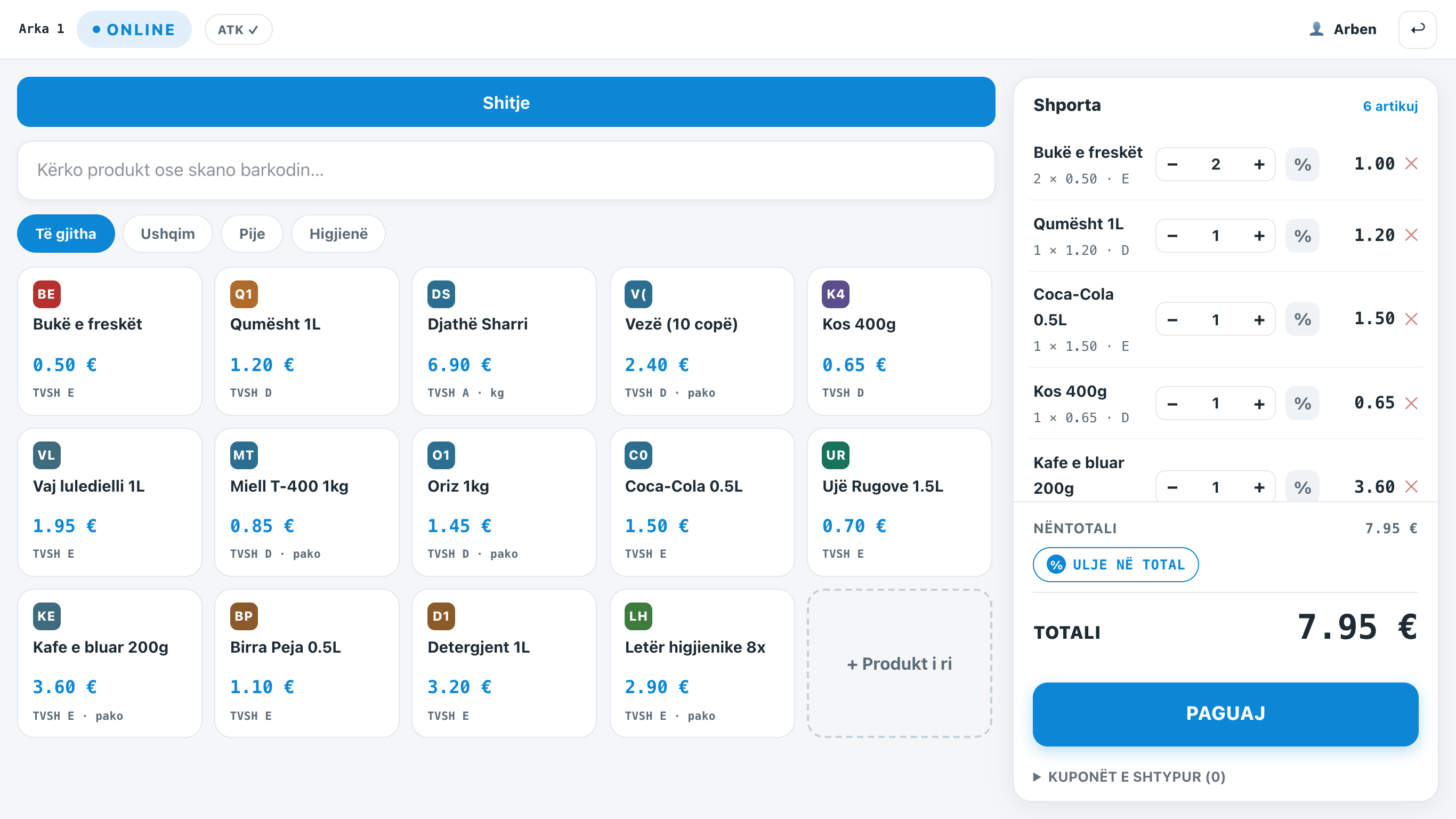
The MiniPOS sale screen

We’ll show it with your own items, in 15 minutes.
Tell us what business you run and how many tills you need. We prepare the demo with your catalogue and tell you the exact price and the hardware you need - no obligation.
- Online demo or at your premises
- Exact price for the tills and the plan
- Migration from your old software, free